Marketing 11.9 update
Audience:
•
Version: 11.9
Some tooltip text!
• 1 minute to read
• 1 minute to read
Form - Use Google fonts in your forms
In Settings and maintenance you can add Google fonts and manage them to make them available across all your forms. This helps ensure a consistent design and brand identity for users who interact with your forms externally.
Once the fonts are added and organised, the new fonts can be selected in the Edit form dialog, in the Style section of the form, as well as in the Double opt-in, Thank you page, and Page for inactive form sections.
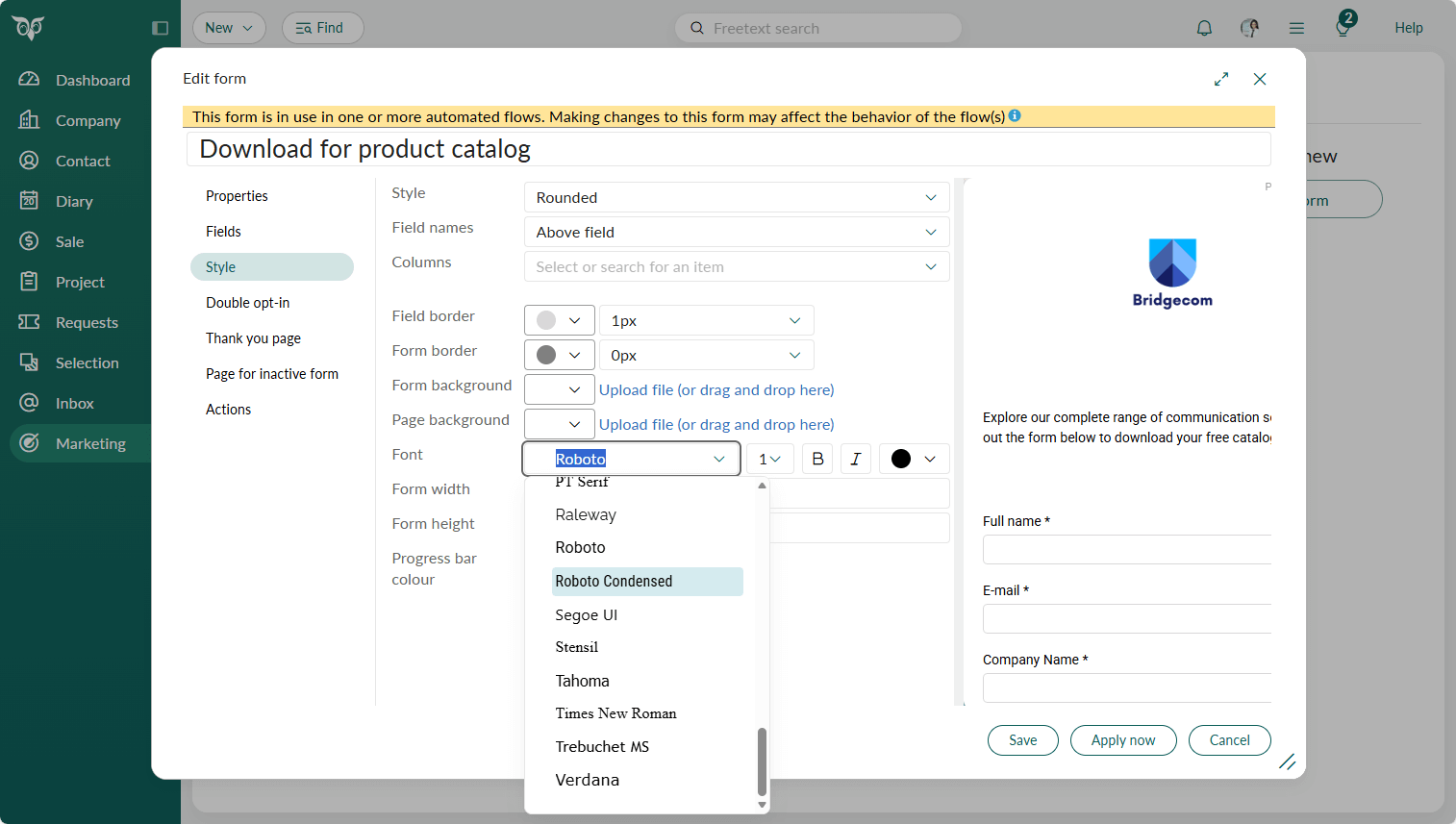
Read more about how to add Google fonts in Settings and maintenance and how to style your forms.