Create SuperOffice CRM Sale action
Steps
-
On the Zaps page, click Create. Then click on the Trigger step and choose the event that will start a Zap.
Click on the Action step to set up app, event, and account:
- In the Action event section, select Create Sale
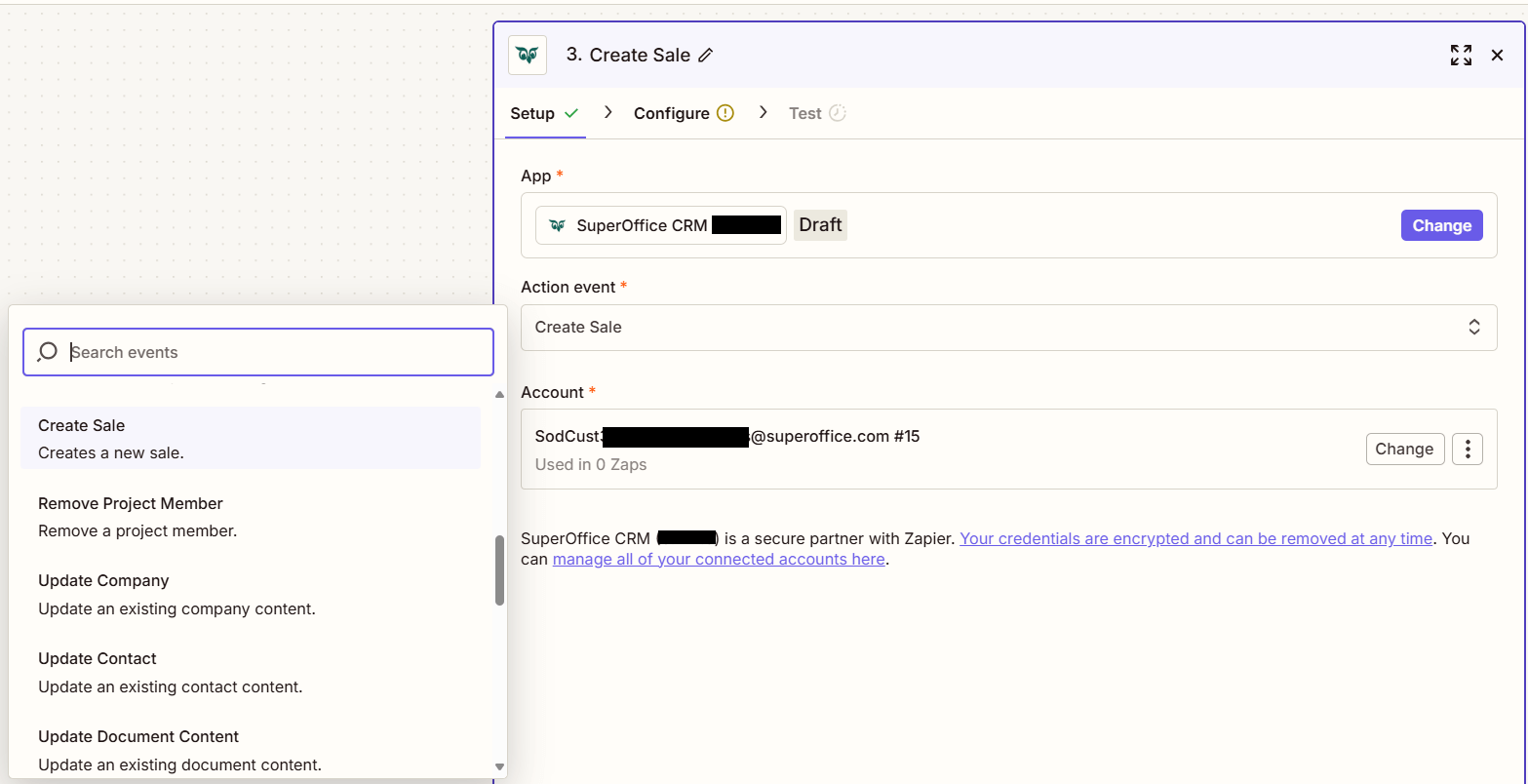
Click Continue.
Fill out the mandatory fields Sale Title, Sale type, and Stage and optionally other fields.
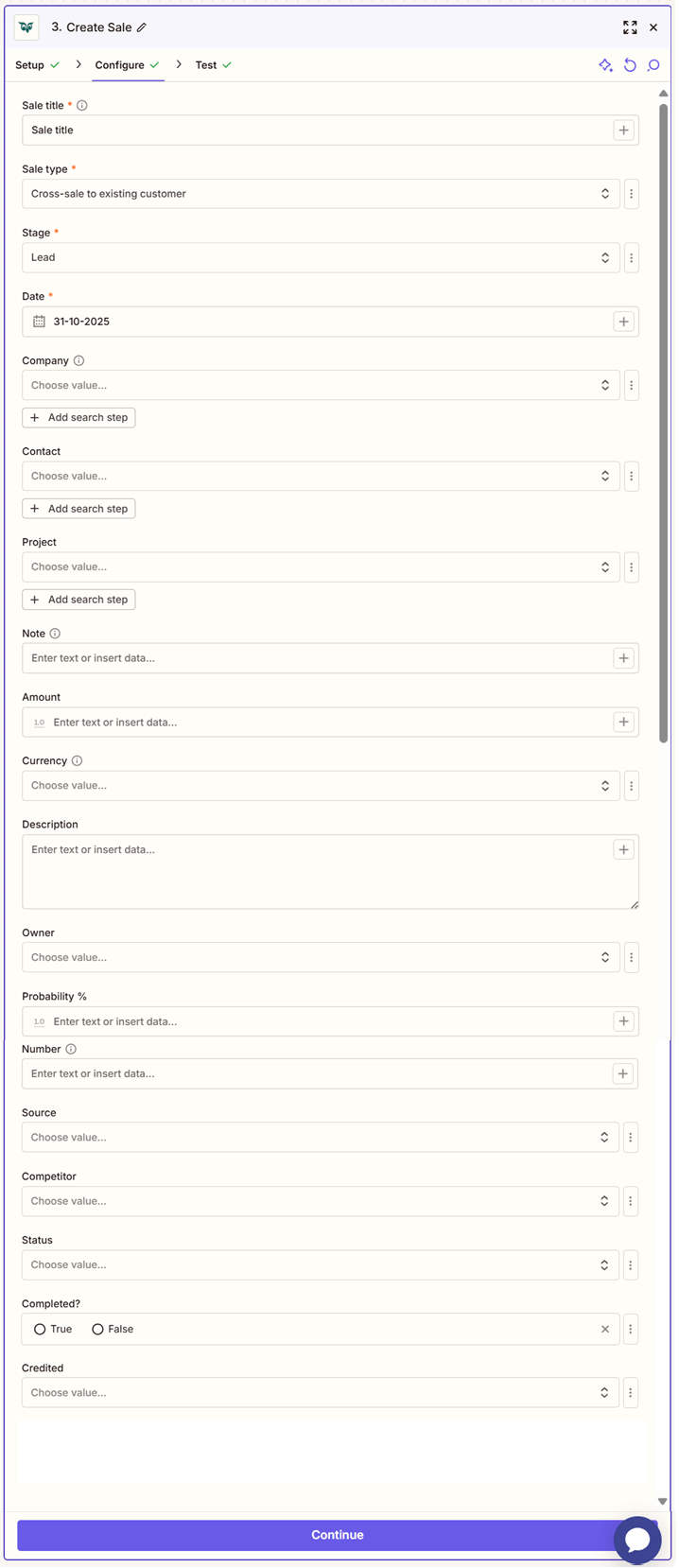
Click Test step to check that the action works.
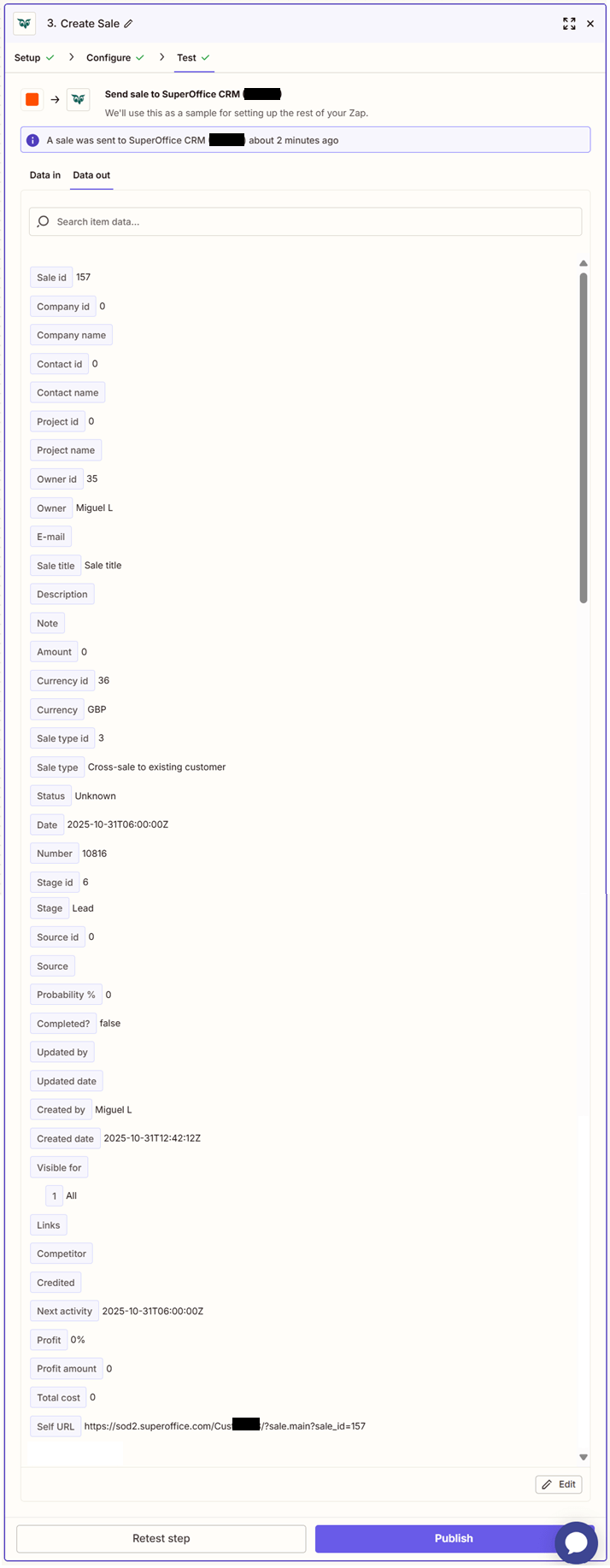
If the above steps were configured correctly, the response should consist of Sale id, Company id, Company name, Contact id, Contact name, Project id, Project name, Owner id, Owner, E-mail, Sale title, Description, Note, Amount, Currency id, Currency, Sale type id, Sale type, Status, Date, Number, Stage id, Stage, Source id, Source, Probability %, Completed?, Updated by, Updated date, Created by, Created date, Visible for, Links, Competitor, Credited, Next activity, Profit, Profit amount, Total cost, Self URL.