Create a SuperOffice action
Some tooltip text!
• 1 minute to read
• 1 minute to read
Note
To create Zaps, you must connect a SuperOffice CRM account that has General Administrator user rights.
Steps
On the Zaps page, click Create.
Click on the Trigger step and choose the event that will start a Zap. It can be an action in Google Sheets or another action in external systems or a part of SuperOffice.
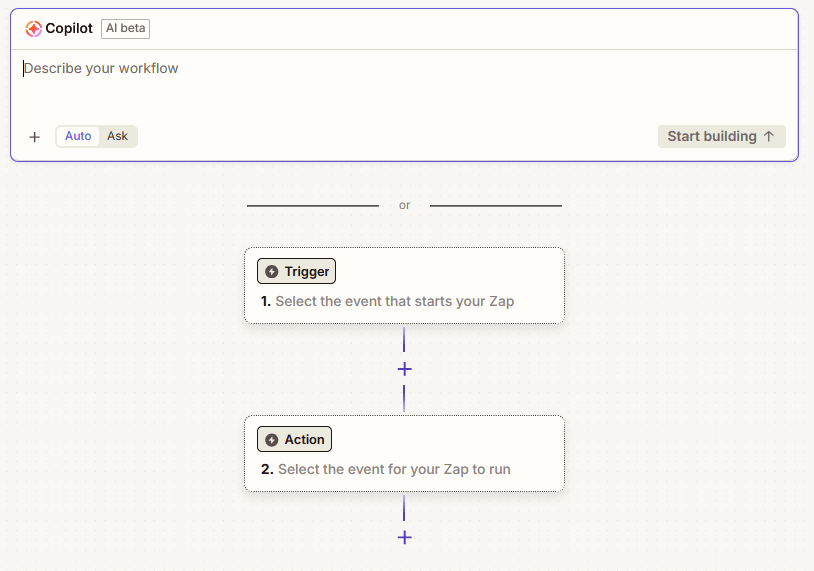
Click on the Action step.
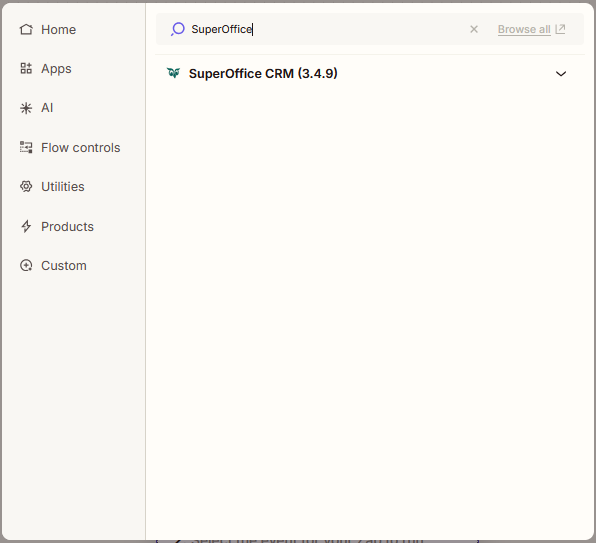
Select the application you want to use: Search for and click on SuperOffice.
In the Action event section, select an event.
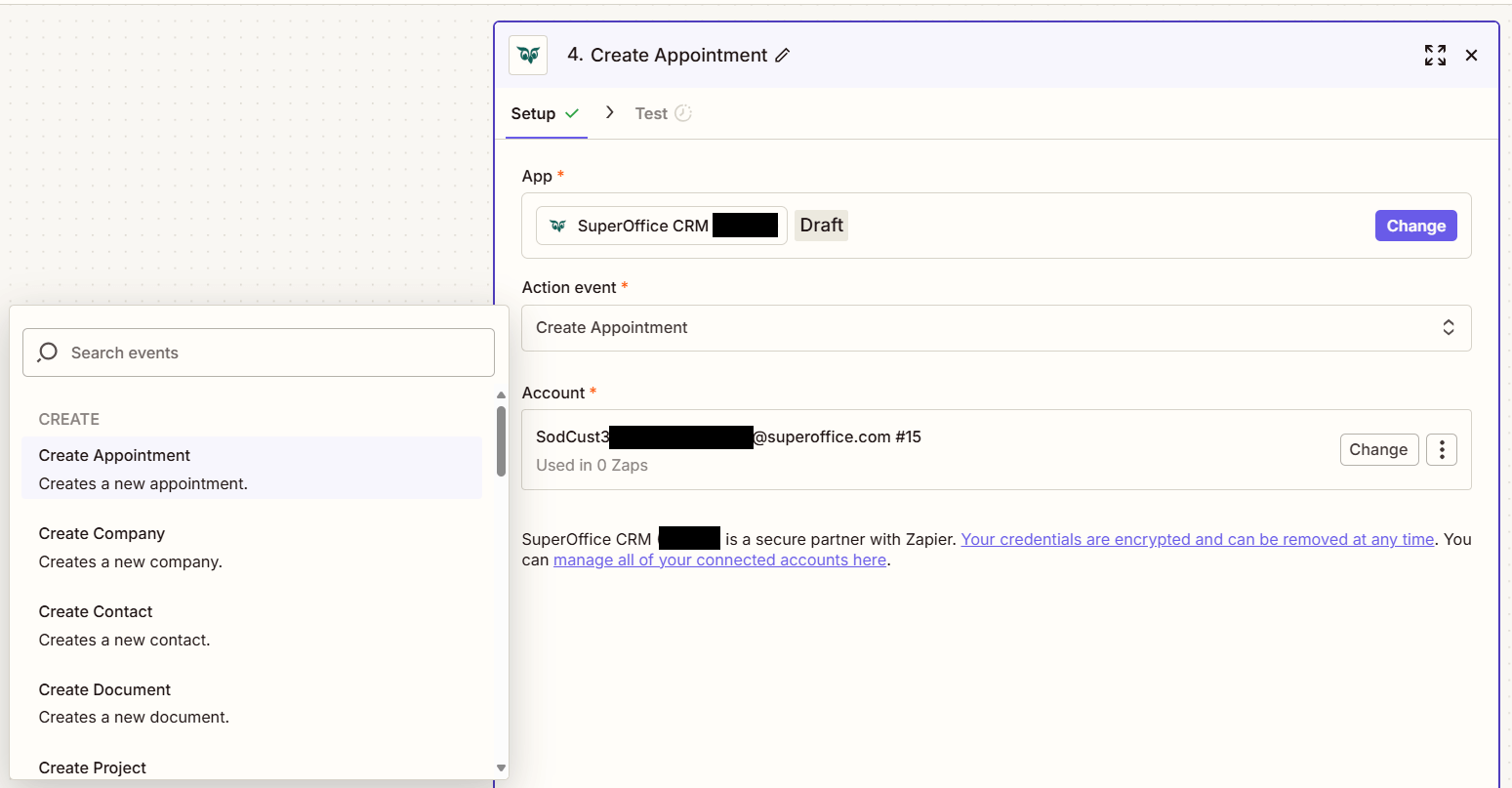
Click the Account section and log in using a SuperOffice account.
Click the Continue button at the bottom of the side panel. This opens the Configure step.
Fill out the mandatory fields and optionally other fields.
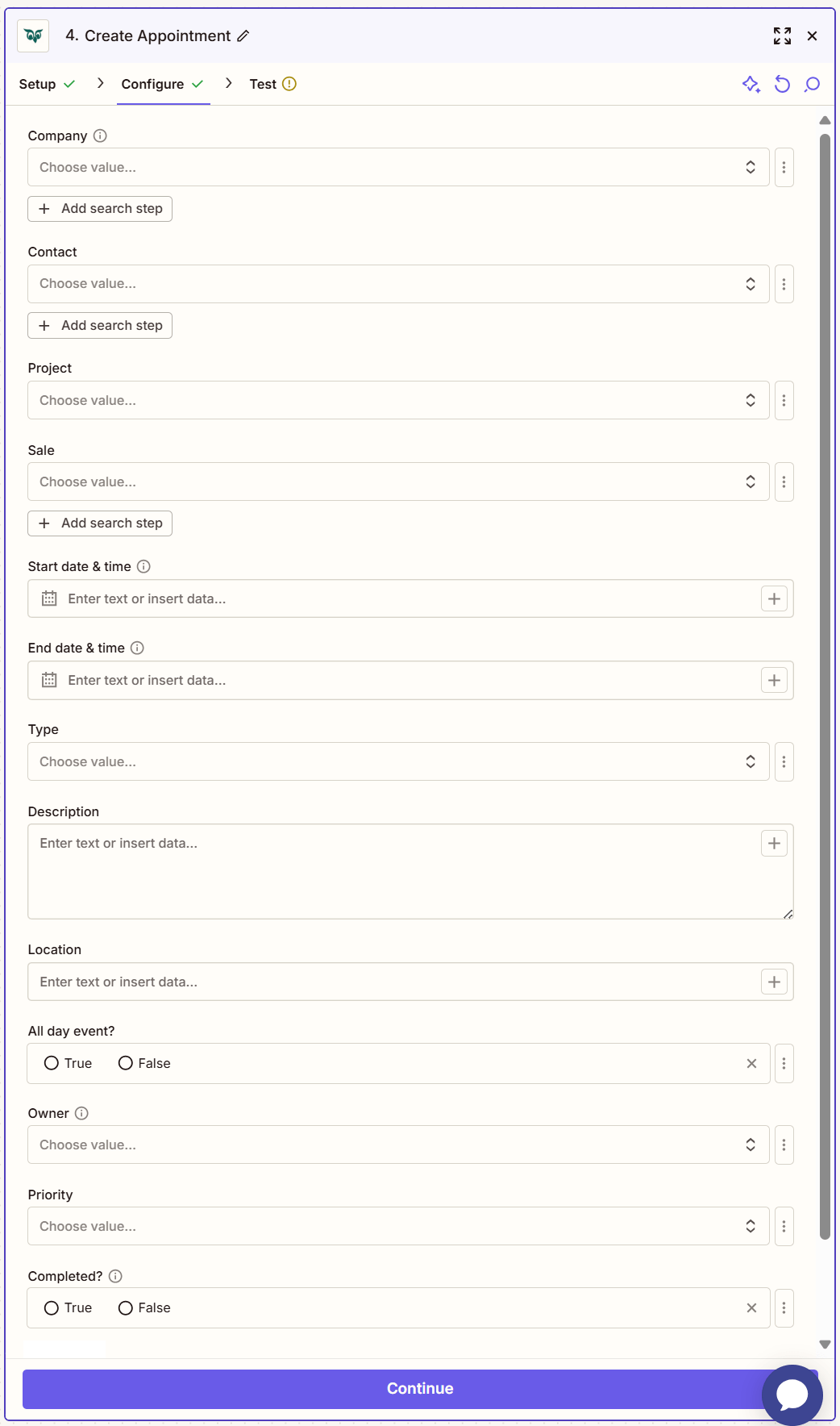
Click Continue.
Click Test step to check that the action works.