Service 11.12 update
Related requests - better control and overview
Related requests make it easy to link, organise, and manage connected requests in one place. With both visual and list-based views, you get a clear and structured overview of how requests relate to each other.
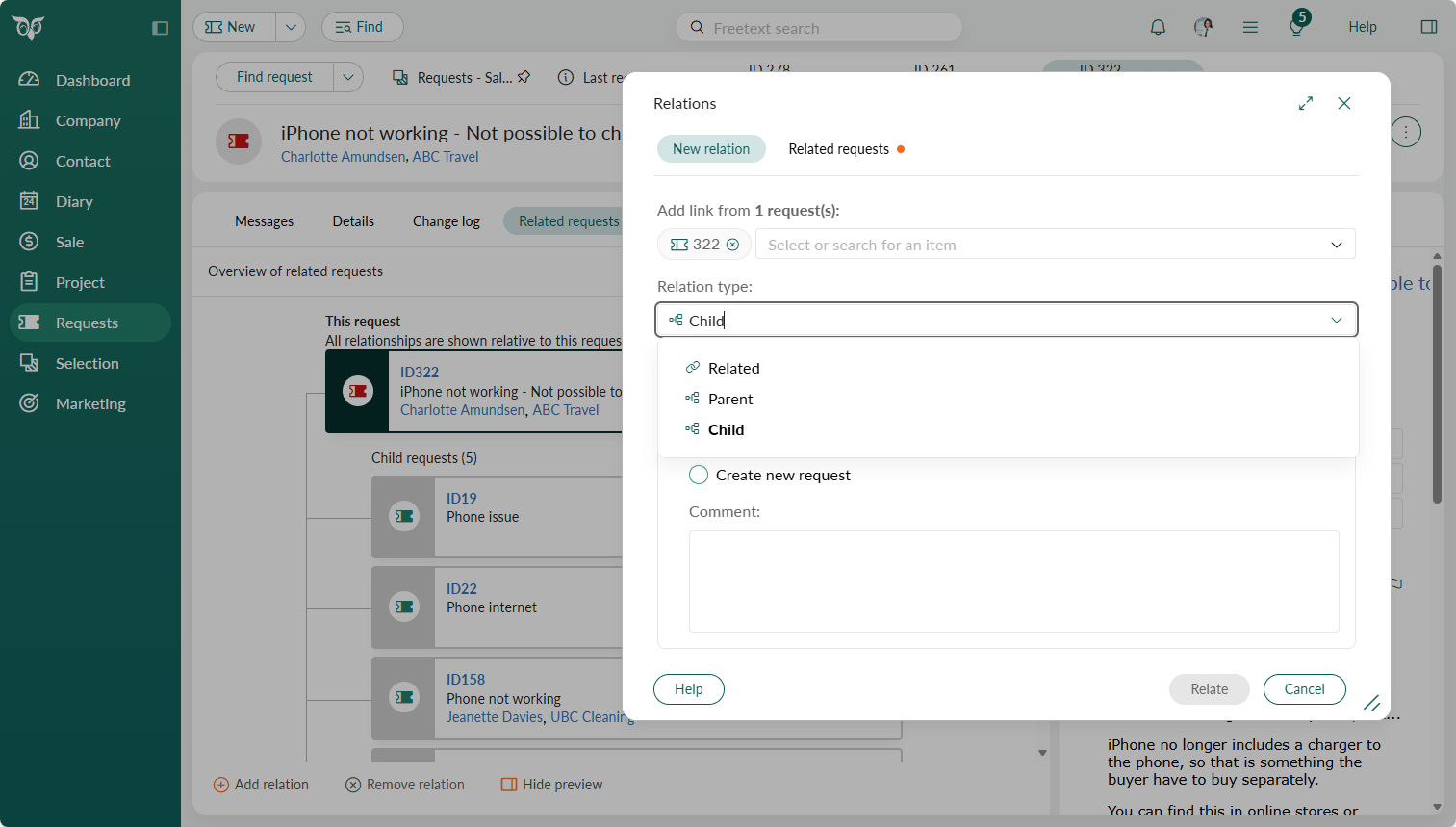
You can create both hierarchical and side-by-side relationships (related, parent, or child), helping you understand dependencies, track progress and manage complex service scenarios with confidence. This gives you greater control, better visibility and a smoother way to work with interconnected requests.
A simple way to confirm that you've selected the correct relation type is to review the summary text after adding the related requests. Example of summary: Request 2 (only possible to select one) will be set as Child to Request(s) 1 (possible to multiselect).
Tip
There are several ways to add related requests: from the section tab on the request, via the Task menu, or using context menus on individual requests.
Read more about request relation rules in Settings and maintenance.