Core CRM and Sales 11.11 update
User setup to configure email and document management
Available for new SuperOffice Online customers from 11.11. Rolling out gradually to all SuperOffice Online customers from 11.13. Not available for onsite installations.
As a new user (or a user with a new computer), there are a few things you should set up to ensure a smooth interaction between SuperOffice CRM, your email account, and your document handler.
Connecting your email account enables you to send emails and automatically archive outgoing messages in SuperOffice, making all communication available to your colleagues. You will also be able to send meeting invitations to external recipients, receive invitations from others, and be able to send/receive feedback for accepted or declined invitations.
Setting up your document handler is equally important, as it provides an easy and efficient way to create, edit, and open documents in SuperOffice.
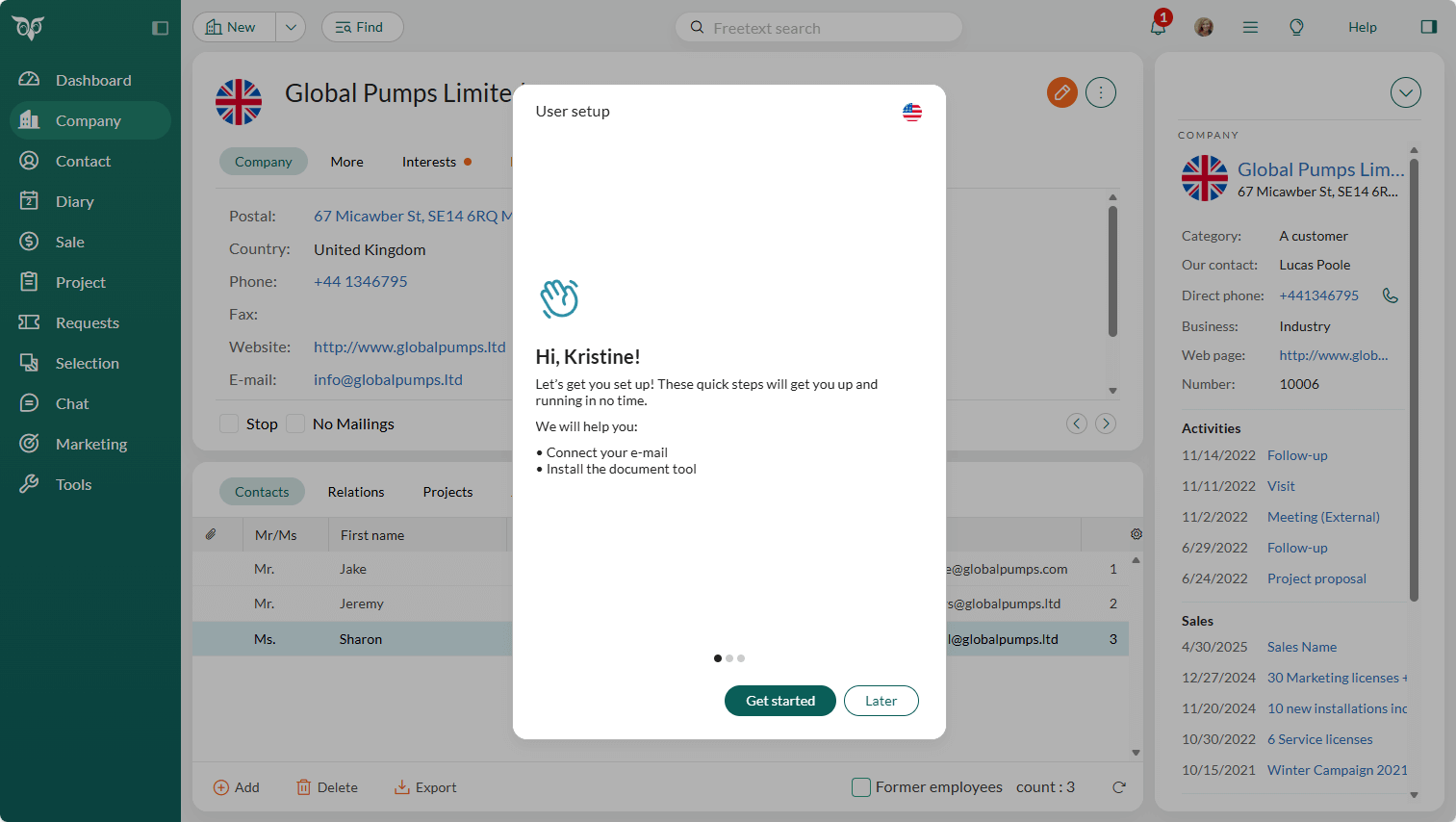
With the User setup found under your Personal settings menu, a setup wizard will guide you through the process.
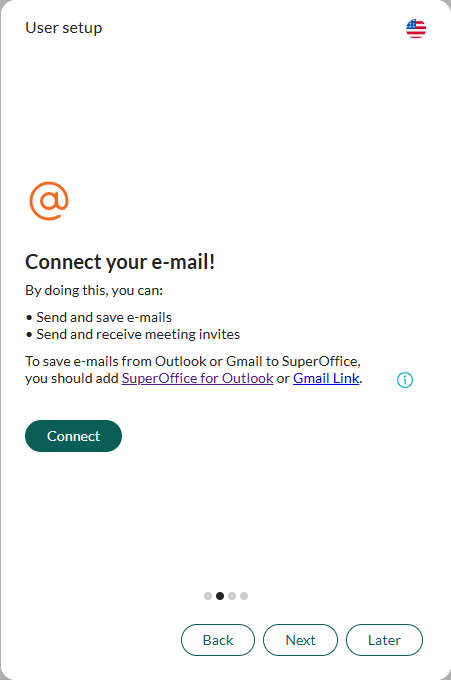
The second step is to connect your email account: simply click the Connect button and follow the steps to validate your login credentials.
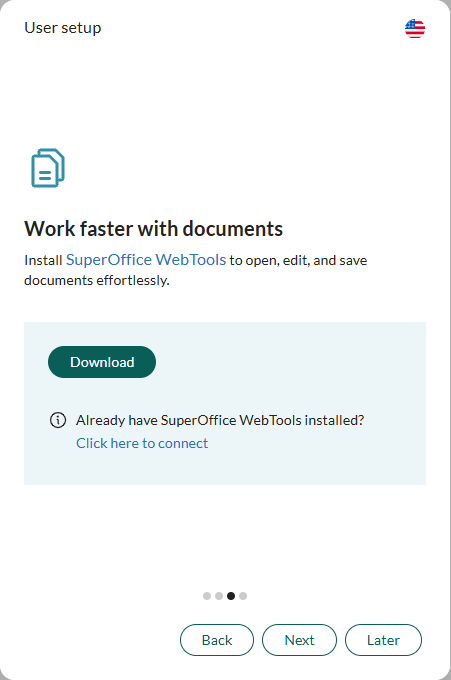
The next step is to connect your document handler to SuperOffice. This is done by downloading WebTools, installing it, and then connecting it to the SuperOffice CRM tenant.
Note
We recommend installing SuperOffice for Outlook (or SuperOffice Gmail Link) to enable full email handling, including support for incoming messages from your mailbox.
Read more about Connect your accounts.