Service 11.11 update
Audience:
•
Version: 11.11
Some tooltip text!
• 1 minute to read
• 1 minute to read
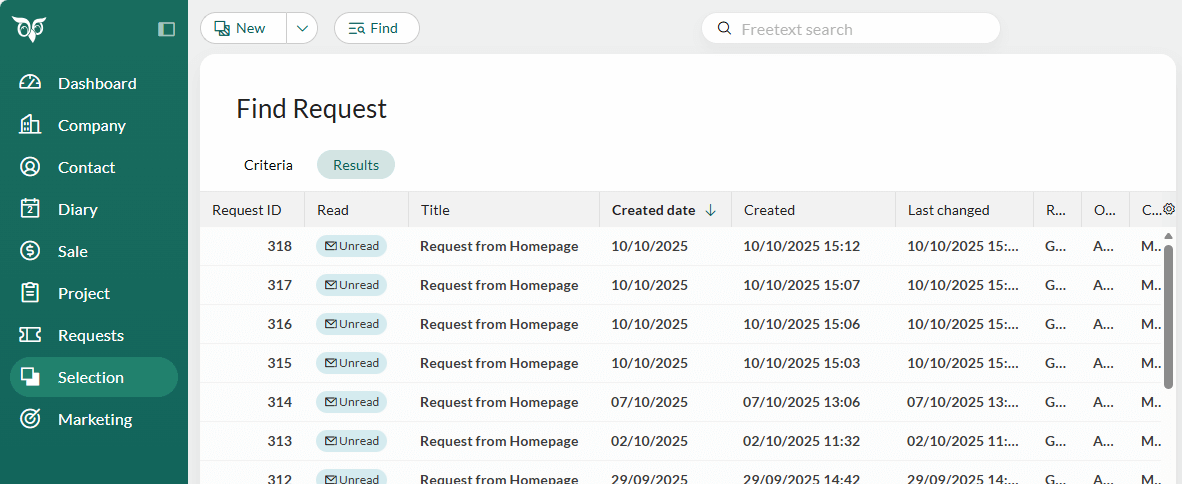
Requests - Created date to use in columns and criteria
To get an overview of the number of requests per day - whether in selections or dashboards - it is recommended to use the Created date field. This field filters by date only, unlike the Created field, which includes both date and time.
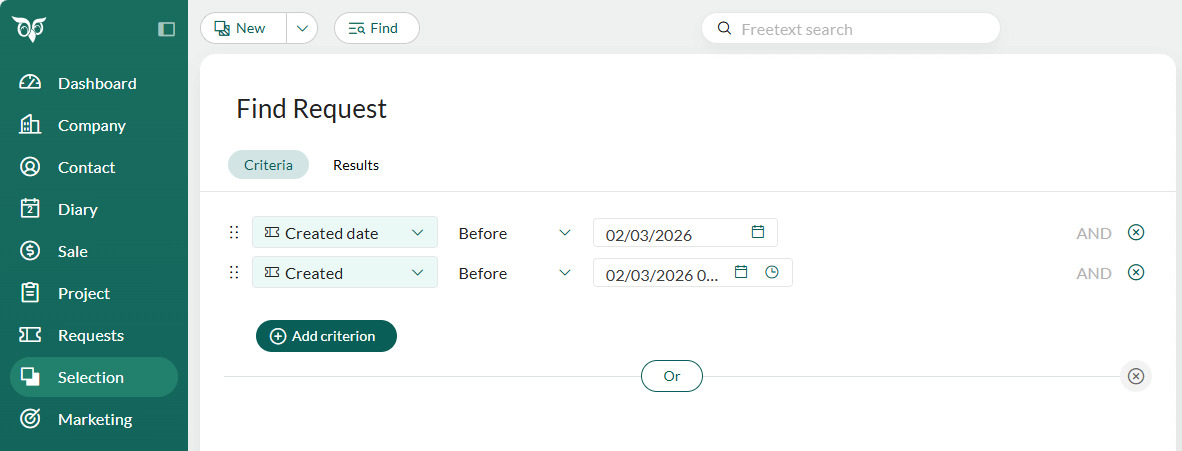
The Created date field can be used both as a column and as a criteria. When used as a criteria, you will notice a visual distinction between the two "created" options:
- Created date displays only a calendar icon
- Created displays both a calendar icon and a clock icon, indicating date and time filtering
Also note the difference between the two fields when displaying them as columns in a request list view.