Connect a SuperOffice account with Zapier
Some tooltip text!
• Less than 1 minute to read
• Less than 1 minute to read
Note
To create Zaps, you must connect a SuperOffice CRM account that has General Administrator user rights.
Steps
Open the Zapier dashboard.
Select Connect an Account.
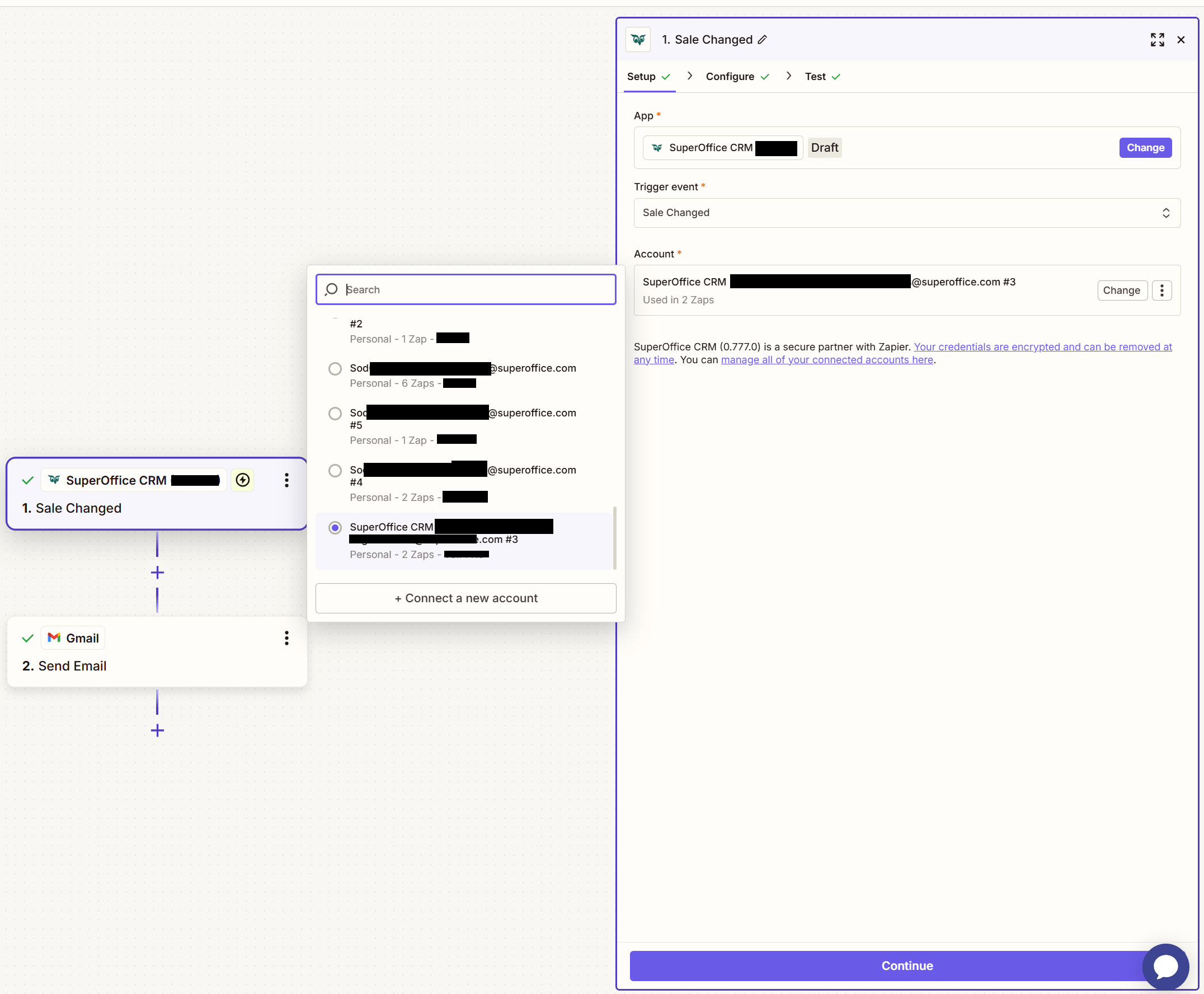
Choose the SuperOffice tenant to connect.
If logged in to a SuperOffice account, the process will continue through single sign-on (SSO).

Verify that the connection is successful by selecting Test.
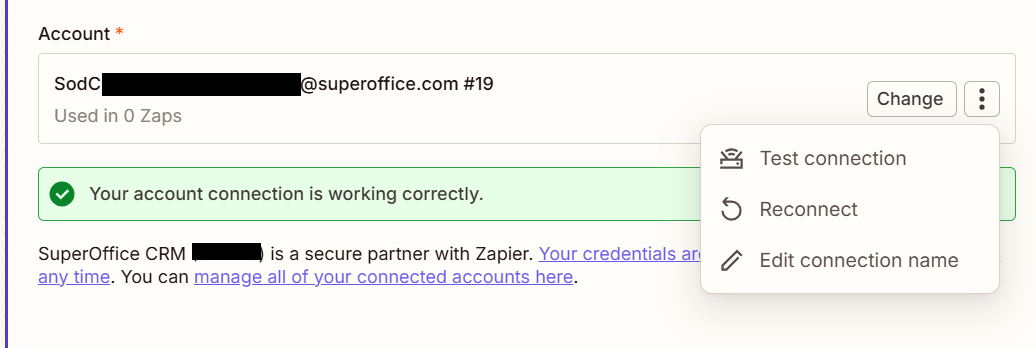
Select Save + Continue to proceed.