First time use/log in
•
Version: 11.1
Some tooltip text!
• 1 minute to read
• 1 minute to read
The Mobile CRM app is available for SuperOffice CRM 9 or higher. It is distributed via the respective operating system's app store channels.
Download the app
Access Apple AppStore or Google Play, depending on your device.
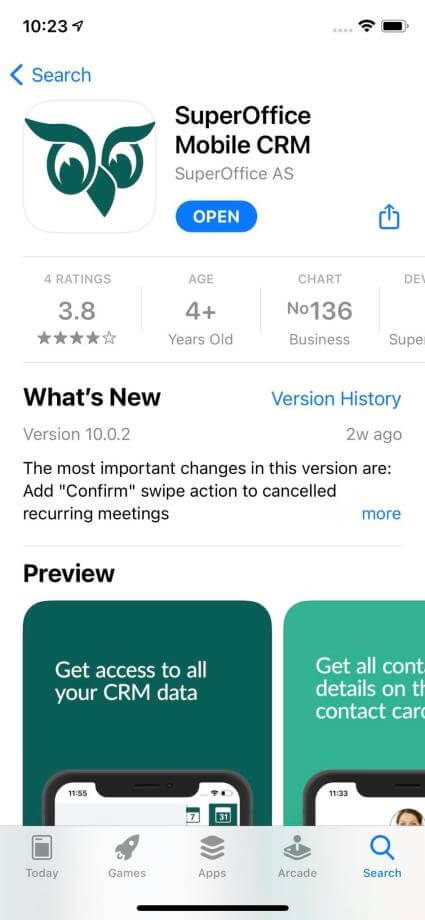
Or, open a browser on your device and go to the SuperOffice AppStore to install the app.
Download and install the SuperOffice Mobile CRM app.
Log in to Mobile CRM
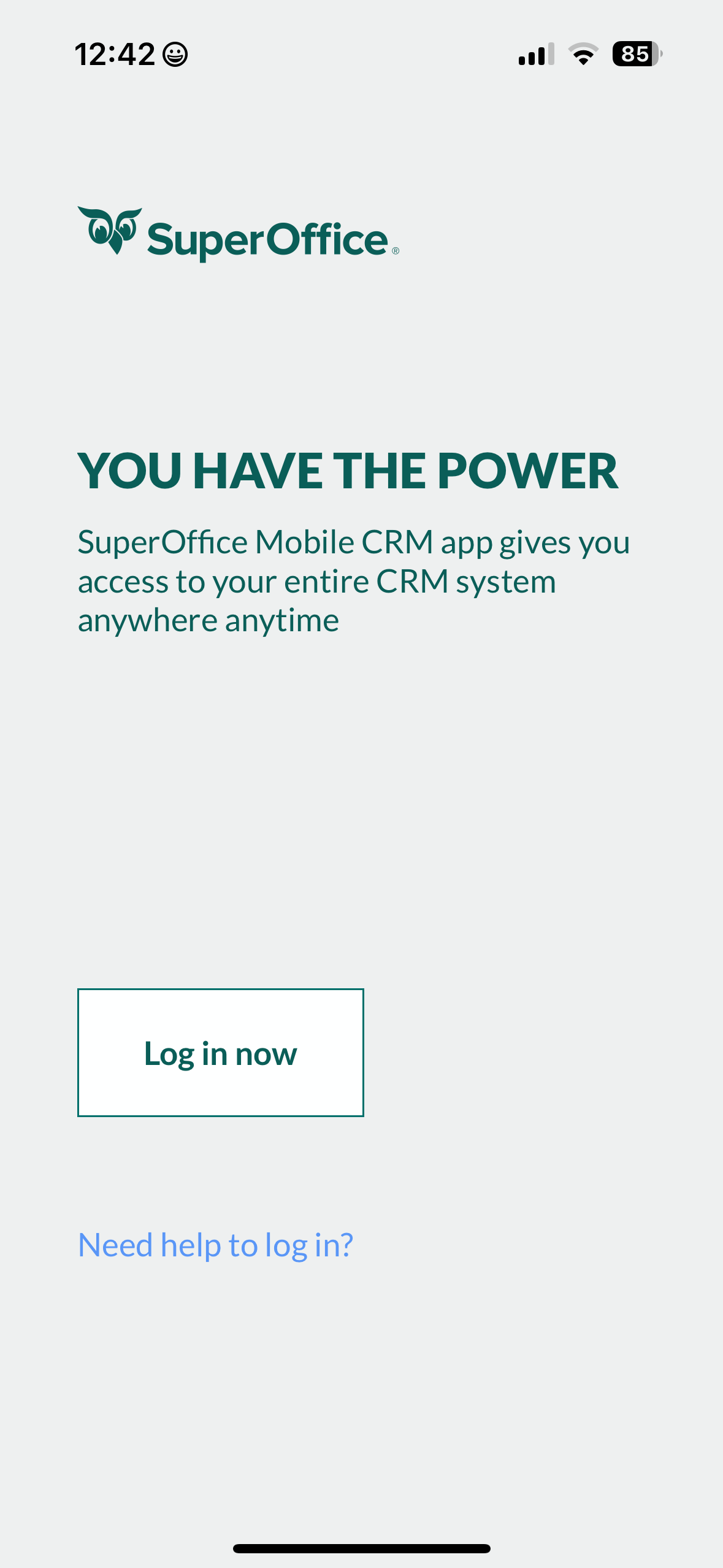
- Open the app on your device.
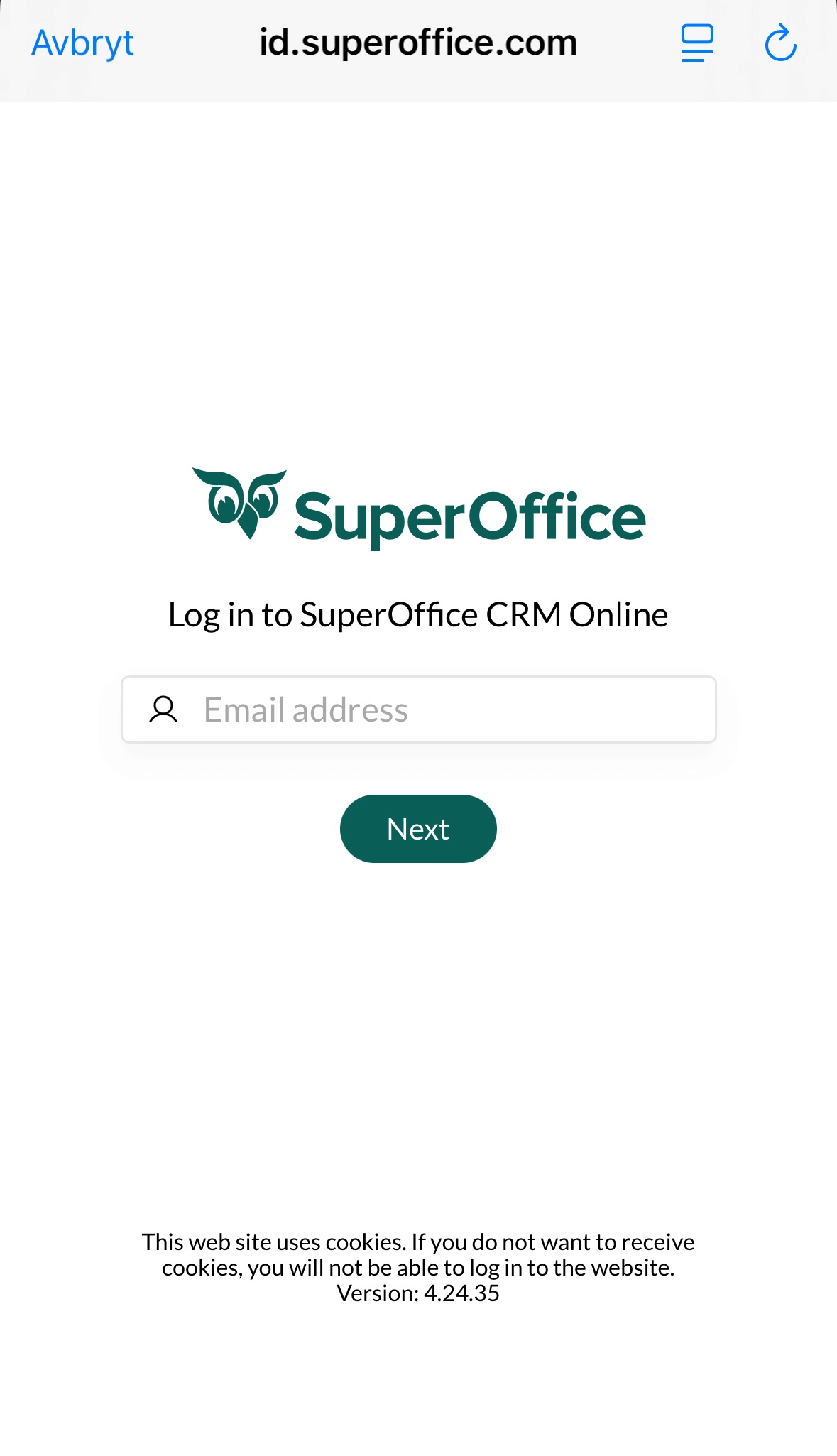
- Enter your SuperOffice username and password.
Note
Your sign-in method may depend on how your administrator has set up authentication (for example, Microsoft Entra ID).
Log out
- Tap the in the bottom center of the screen.
- Select Settings.
- Flick to the bottom and tap Log out.
- Select Yes to confirm.
Related content
- Set up your email account
- Enable caller ID
- For older versions, install Pocket CRM