• Share
    • Twitter
    • LinkedIn
    • Facebook
    • Email
  • Feedback
  • Edit
Show / Hide Table of Contents

How to turn off database mirroring

Some tooltip text!
• Less than 1 minute to read
 • Less than 1 minute to read
  1. Sign in to the Developer Portal and go to your application page.

  2. Select Configuration from the left menu, create a new version, and publish it to SOD.

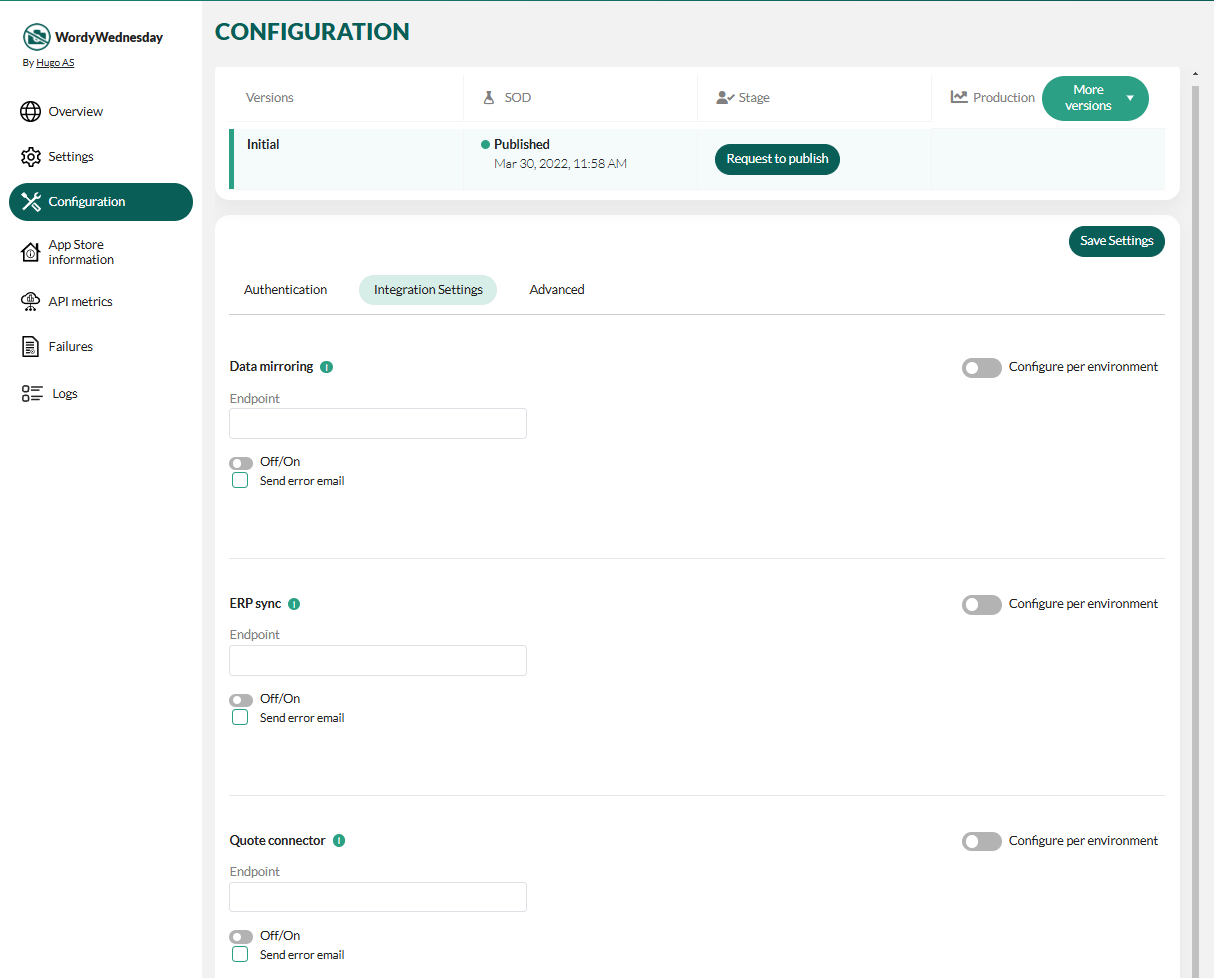
  3. Select the Integration settings tab.

    Database mirroring configuration for application -screenshot

  4. In the Data mirroring section, turn off the toggle below the Endpoint field and save the settings.
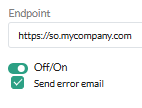
    Database mirroring toggle -screenshot

  5. Request to publish the configuration

In This Article
© SuperOffice. All rights reserved.
SuperOffice |  Community |  Release Notes |  Privacy |  Site feedback |  Search Docs |  About Docs |  Contribute |  Back to top